



Help Center
Contact Support
Getting Started
Welcome to Pulse AI! Download the app from the App Store and follow the simple setup guide to start monitoring your heart health.
- Download Pulse AI from the App Store
- Create your account or sign in
- Take your first heart rate measurement by placing your finger on the camera
- Explore your results and AI-powered health insights
How to Measure Your Heart Rate
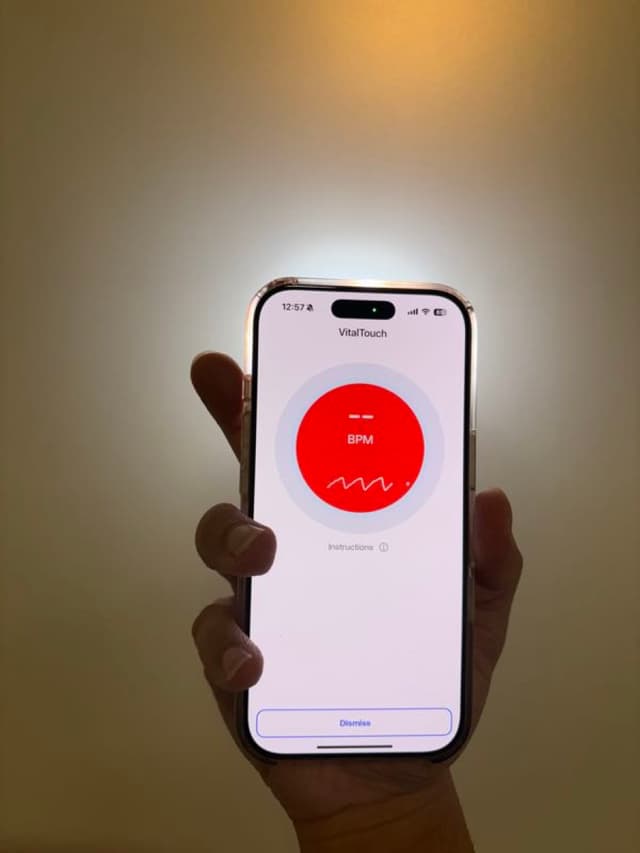
Open Pulse AI and tap the heart rate measurement button on the main screen.
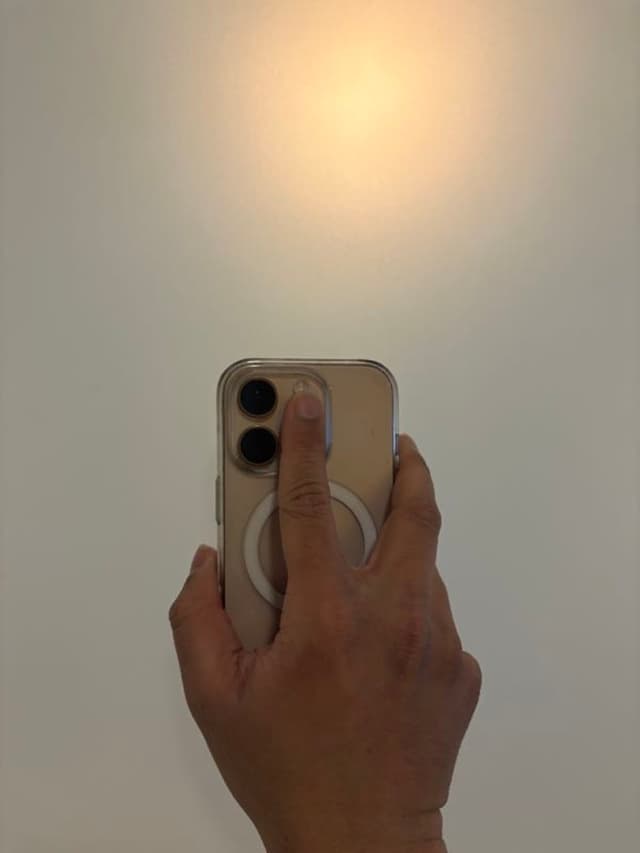
Gently place your fingertip over the rear camera lens so it covers both the camera and the flash. You should see the flashlight turn on.
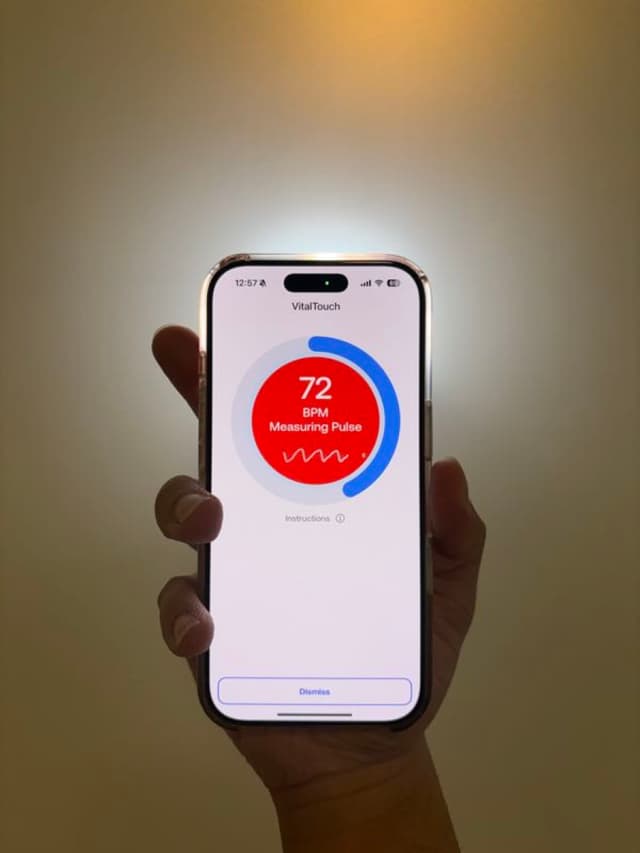
Hold still for the duration of the measurement (about 30 seconds). Avoid pressing too hard or moving your finger.
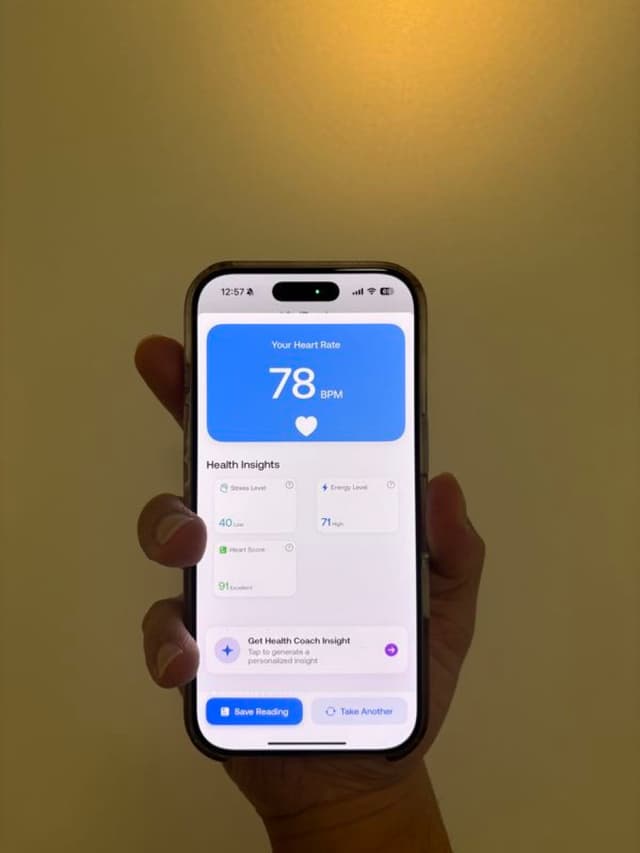
Your heart rate and insights will appear on screen once the measurement is complete.
Frequently Asked Questions
Privacy & Terms
Your privacy matters to us. Read our Privacy Policy to understand how we collect, use, and protect your data.
Know your rights and responsibilities. Our Terms of Service outline the guidelines for using Pulse AI.
Disclaimer: Pulse AI is intended for general wellness and fitness purposes only. It is not a medical device and is not intended to diagnose, treat, cure, or prevent any disease or health condition. Heart rate and HRV measurements are estimates and may vary. Always consult with a qualified healthcare professional for medical advice.