



Pulse AI
Measure your heart rate instantly with your iPhone camera. Get AI-powered cardiac insights — no wearable needed.

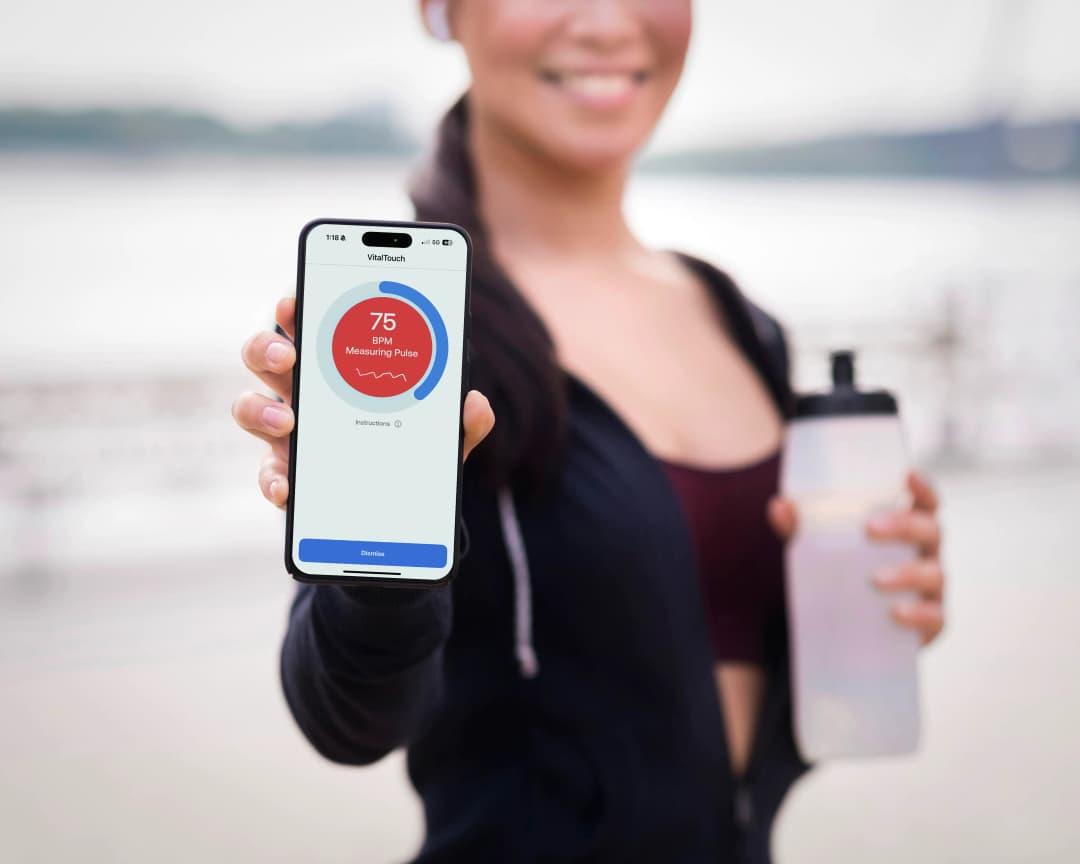
How It Works
Just your iPhone. Four simple steps.
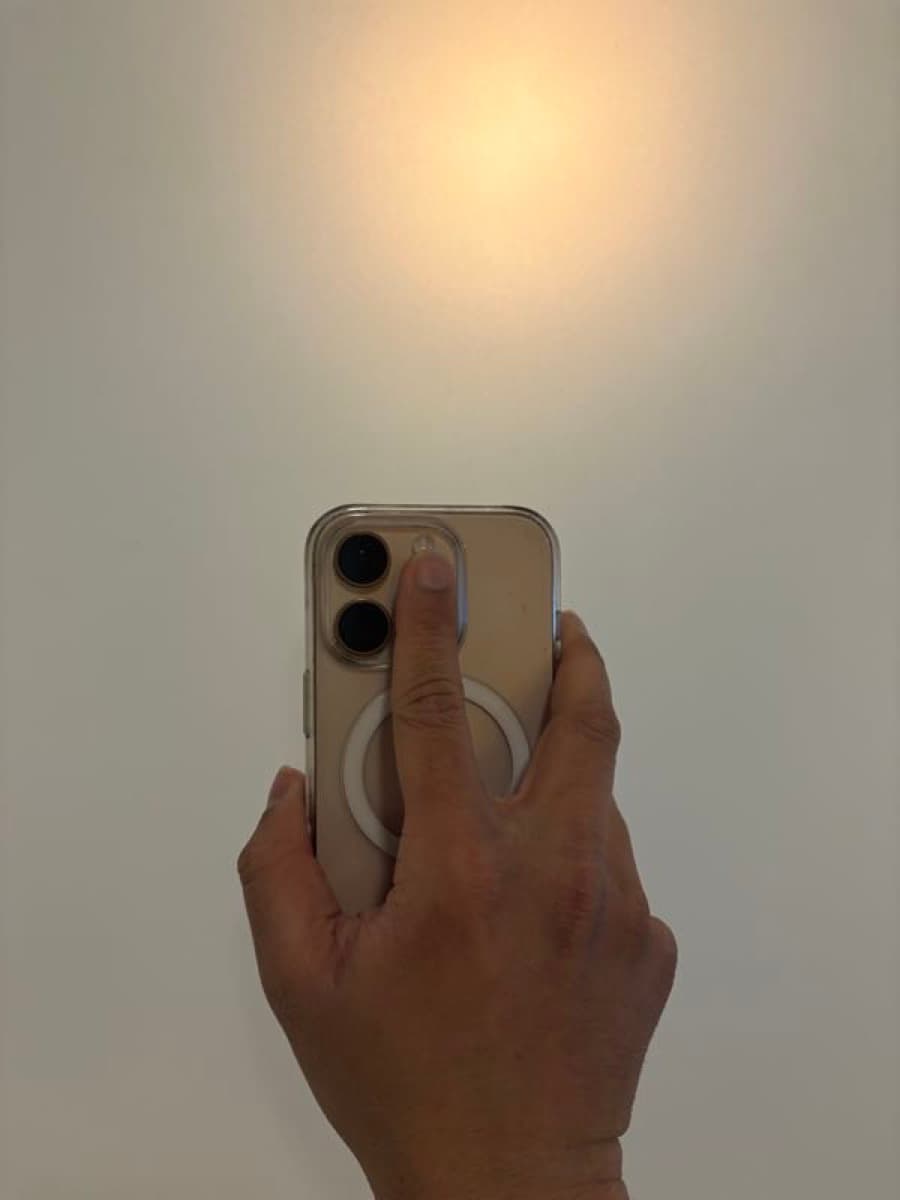
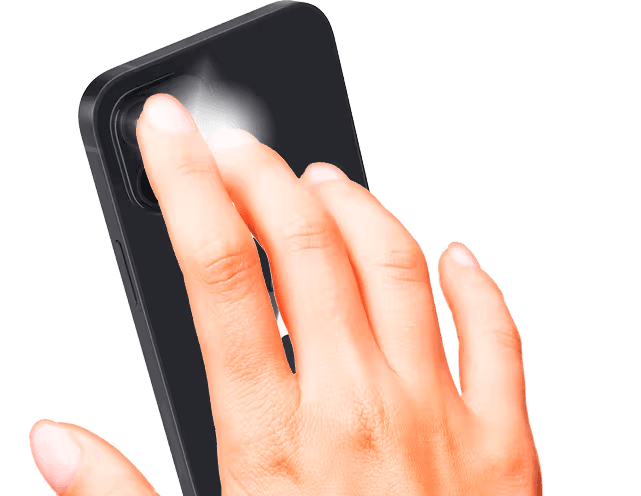
Place Your Finger
Cover the rear camera and flash with your fingertip.
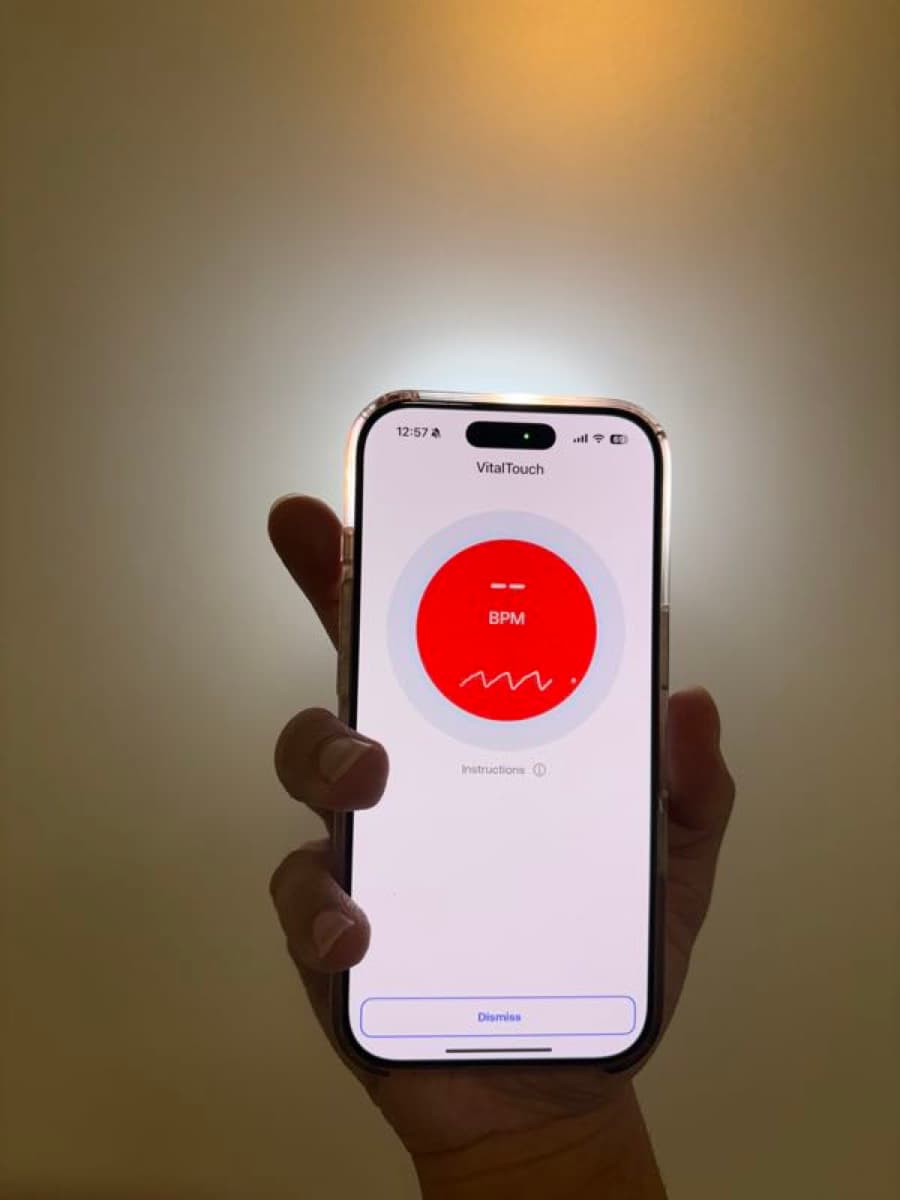
Start Measuring
The app begins detecting your pulse automatically.
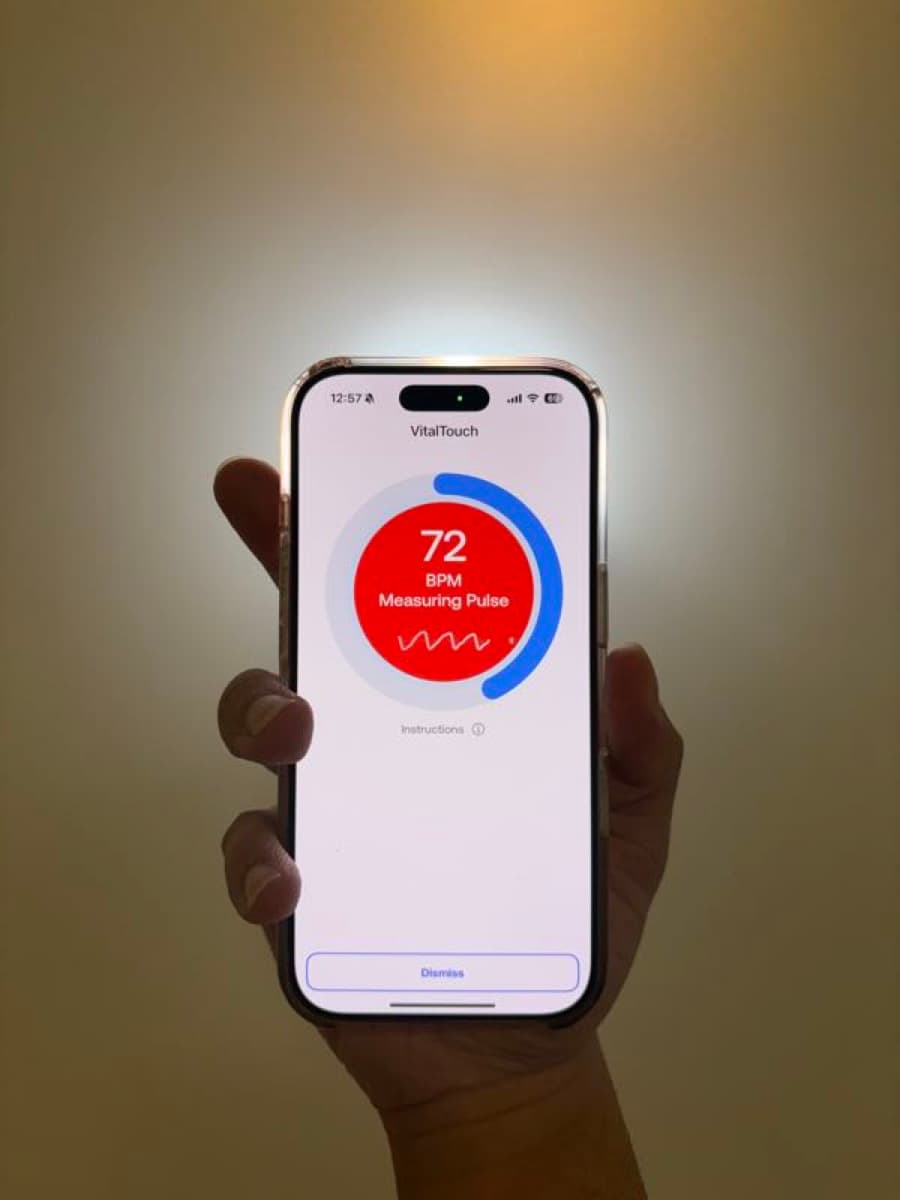
Hold Steady
Keep still for about 30 seconds while we measure.
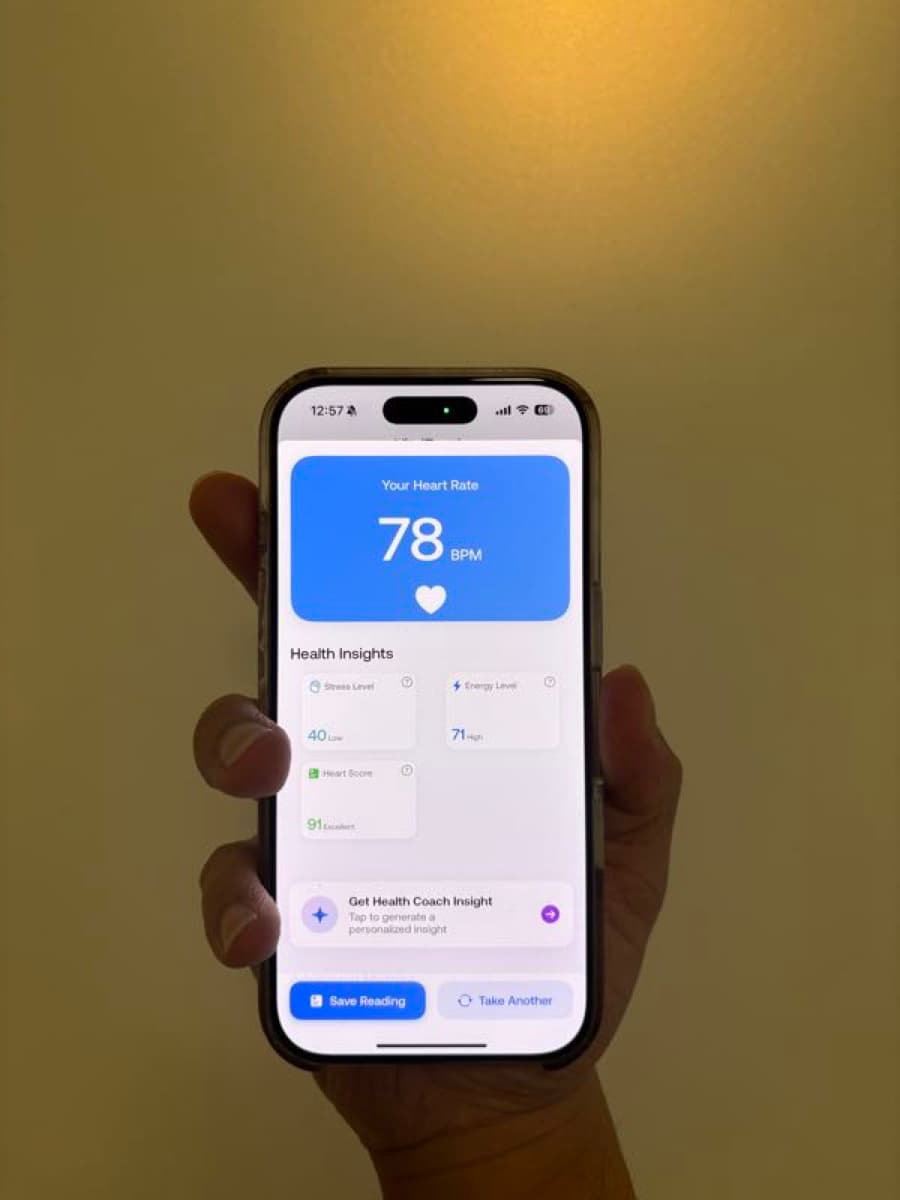
View Results
See your heart rate, health insights, and heart score.
No Wearable Required
Pulse AI uses photoplethysmography (PPG) — the same science behind hospital pulse oximeters — to detect blood flow through your fingertip using your iPhone's camera and flash.
Accurate, instant, and always in your pocket.
Everything You Need for Heart Health
Instant Heart Rate
Measure your heart rate in seconds using just your iPhone camera.
HRV Tracking
Monitor heart rate variability to understand stress and recovery.
AI Health Coach
Personalized cardiac insights and recommendations powered by AI.
Breathing Exercises
Guided breathing to lower stress, improve HRV, and promote calm.
Trends & History
Track your heart health over time with detailed charts and trends.
Heart Age
Discover your estimated heart age based on vitals and lifestyle.

Your Heart Health, Always With You
Whether at home, at work, or on the go — Pulse AI gives you instant access to your heart rate and personalized health insights.
Pulse AI is intended for general wellness and fitness purposes only. It is not a medical device and should not be used to diagnose, treat, cure, or prevent any disease or health condition. Always consult with a qualified healthcare professional for medical advice.