
See your body in 3D.
Take a front photo and a side photo. Dalia builds a 3D model with a body-fat estimate, and every new scan shows what is changing.


Part of the Dalia app for iPhone and Android. The screen is a real result from a test scan.
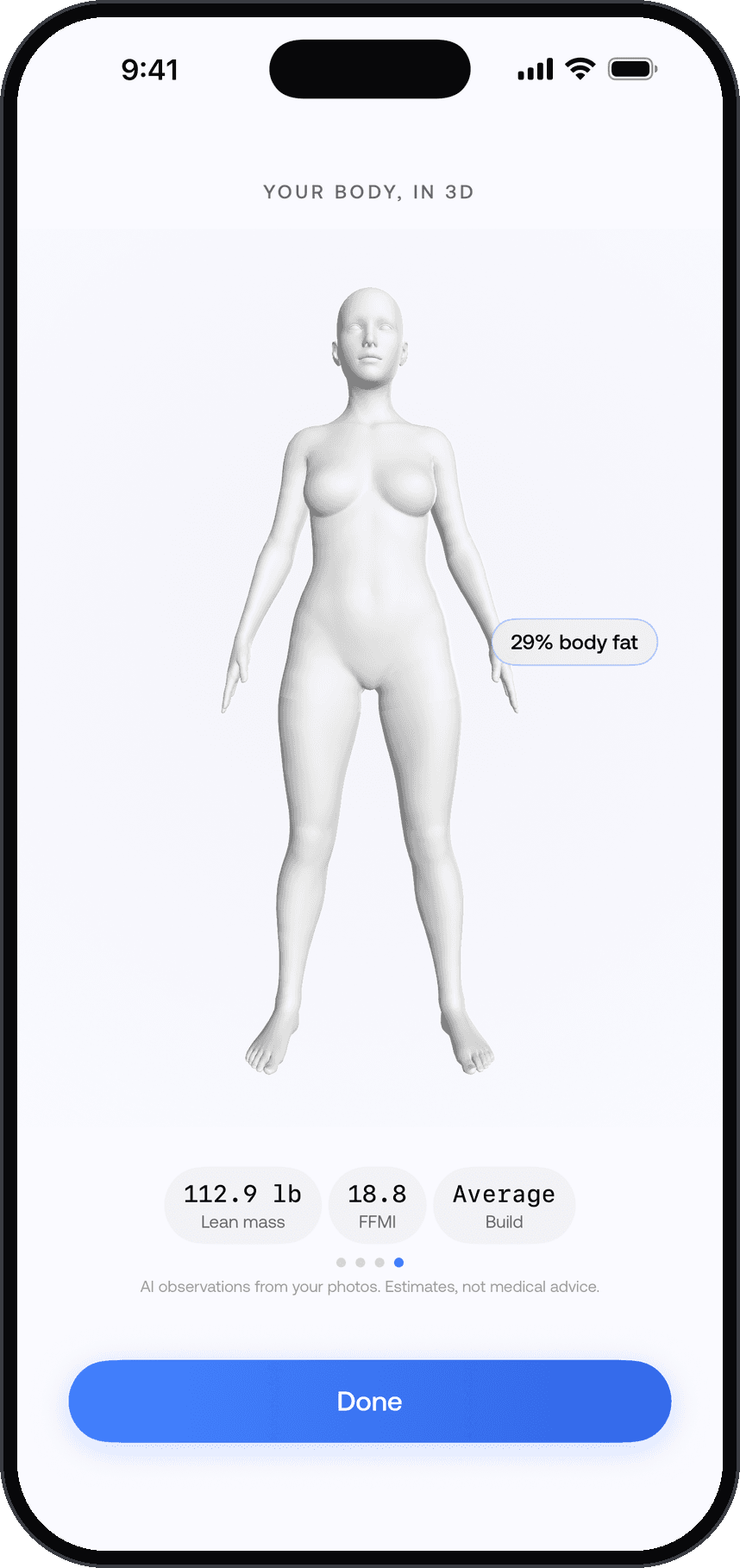
What you get from a scan
- Body fat
- 29%
- Lean mass
- 112.9lb
- FFMI
- 18.8
- A 3D modelBuilt from your photos, so you can see your shape from every side.
- Body-fat estimateAn AI estimate from your photos. It is not a DEXA scan or a body-composition scale.
- Lean massWorked out from the body-fat estimate and your latest weigh-in.
- Build and training levelA read on your frame and on where you are in your training.
Body scan results are wellness estimates and are not a medical assessment.
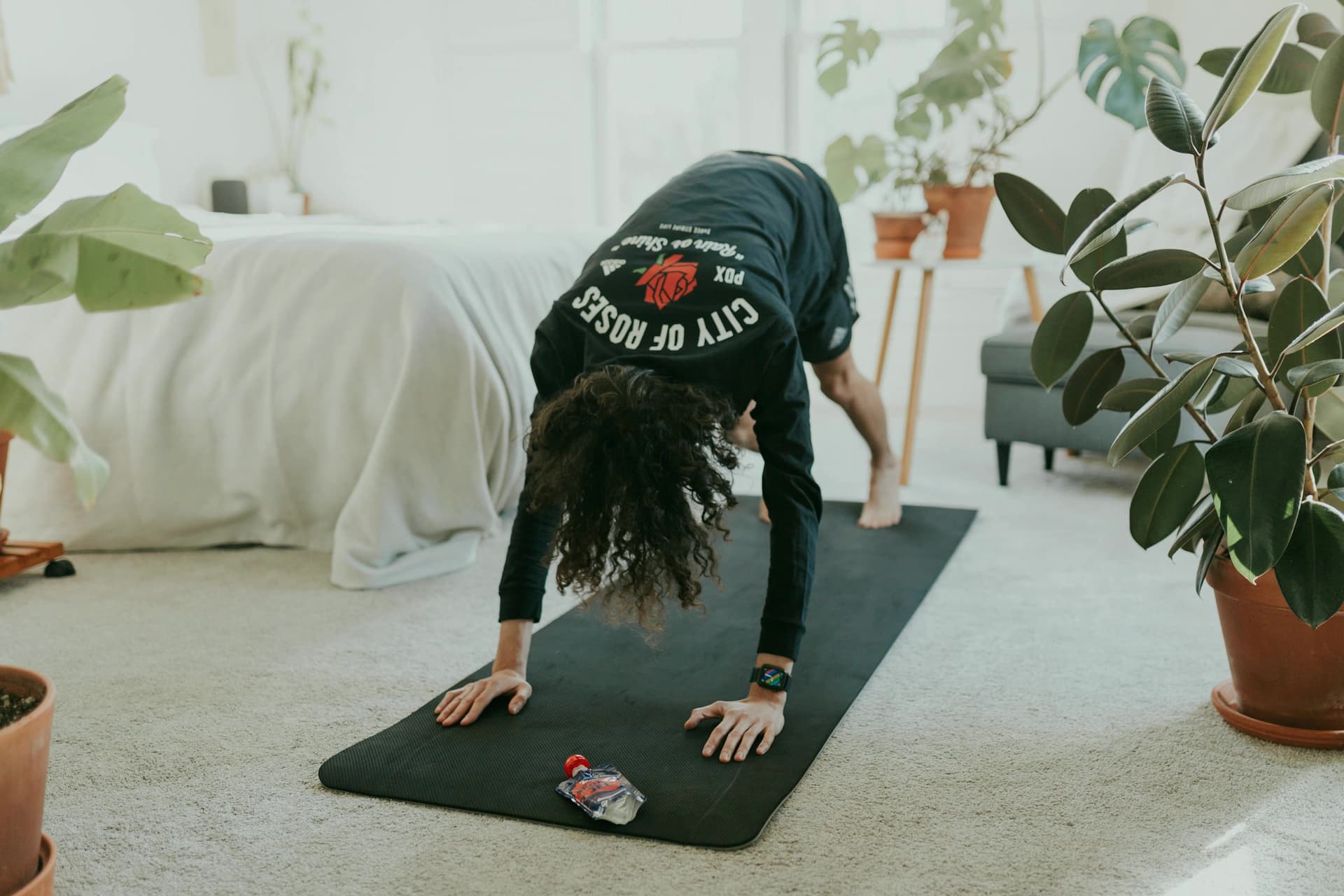
How a scan works
- Take a front photo.Prop the phone up, step back until your whole body is in frame, and face the camera.
- Take a side photo.Turn sideways and hold still. A back photo is optional.
- Get your model.Dalia builds your 3D model, estimates body fat and saves the scan to your history.
- Talk it through.When a new scan lands, Dalia tells you what changed since the last one.
Scans come with the Body pass or Dalia Plus.
The Body pass covers scans on their own. Dalia Plus includes scans along with everything else Dalia does.
See pricing