



Help Center
Contact Support
Getting Started
Welcome to Morph! Here's how to get set up:
- Download Morph from the App Store
- Create your account or sign in
- Take your first body scan: three photos and about 30 seconds
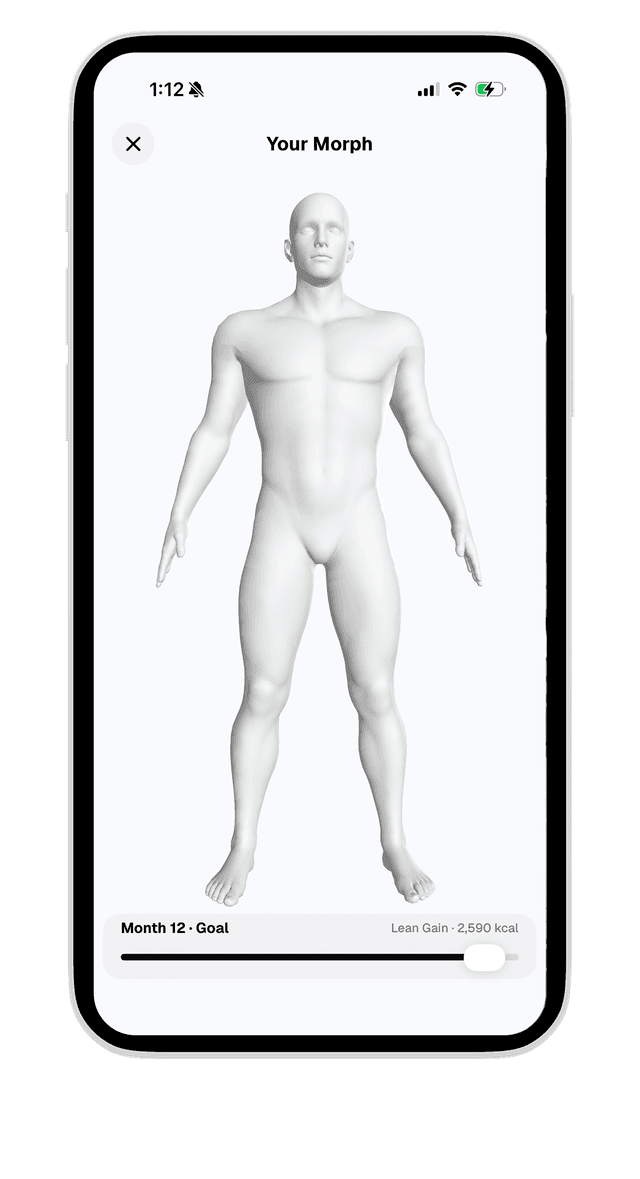
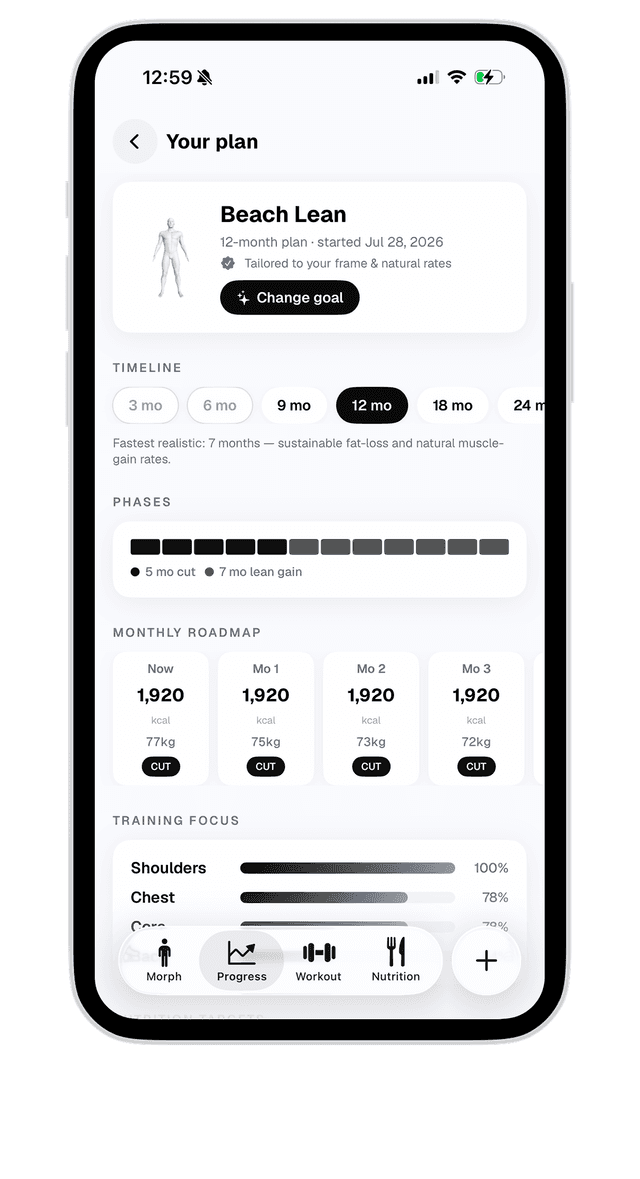
- Pick your goal physique and timeline
- Follow your training and nutrition plan, and re-scan to track progress
How to Scan Your Body
Wear form-fitting clothing (a sports bra or tight shirt, or shirtless) and find a spot with even lighting.
Front photo: stand facing the camera with your arms slightly out from your body.
Side photo: turn 90° to your right and stand naturally with your arms relaxed.
Back photo: turn away from the camera. Back muscles and glutes are measured best here.
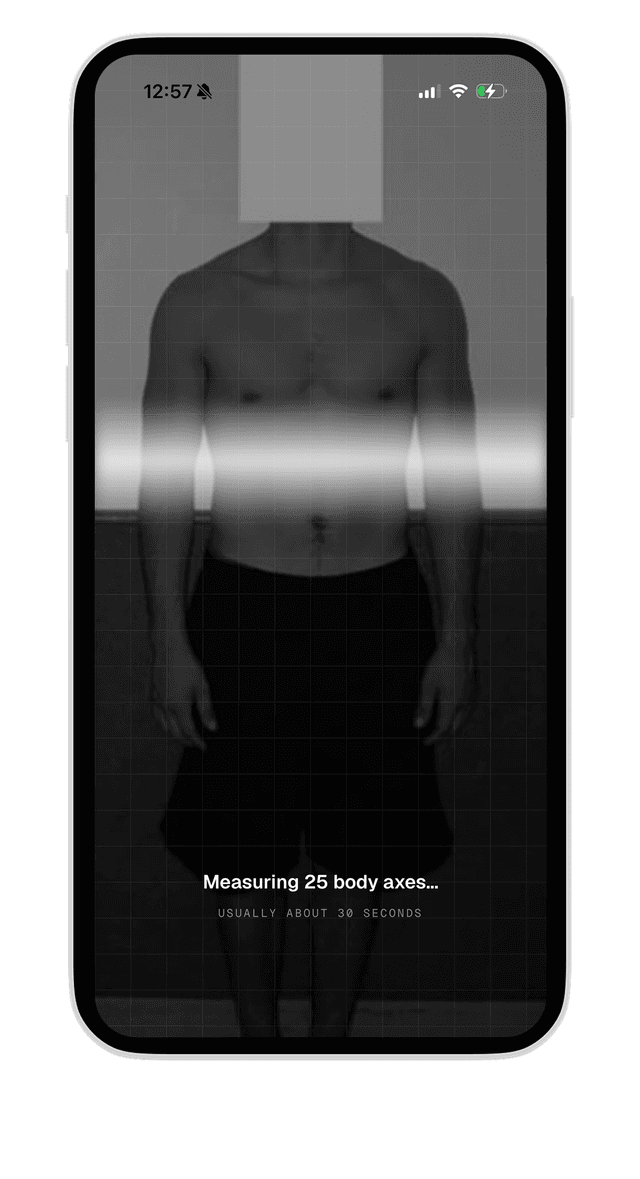
Hold still while Morph measures 25 body axes. Processing usually takes about 30 seconds.
Frequently Asked Questions
Privacy & Terms
Your privacy matters to us. Read our Privacy Policy to understand how we collect, use, and protect your data.
Know your rights and responsibilities. Our Terms of Service outline the guidelines for using Morph.
Disclaimer: Morph is intended for general wellness and fitness purposes only. It is not a medical device and is not intended to diagnose, treat, cure, or prevent any disease or health condition. Body composition figures are visual estimates and may vary. Always consult with a qualified healthcare professional for medical advice.